God Simulator Controls & HUD
Learn every important button so scrap sales, power casts, and rebirth menus never slow your clear.
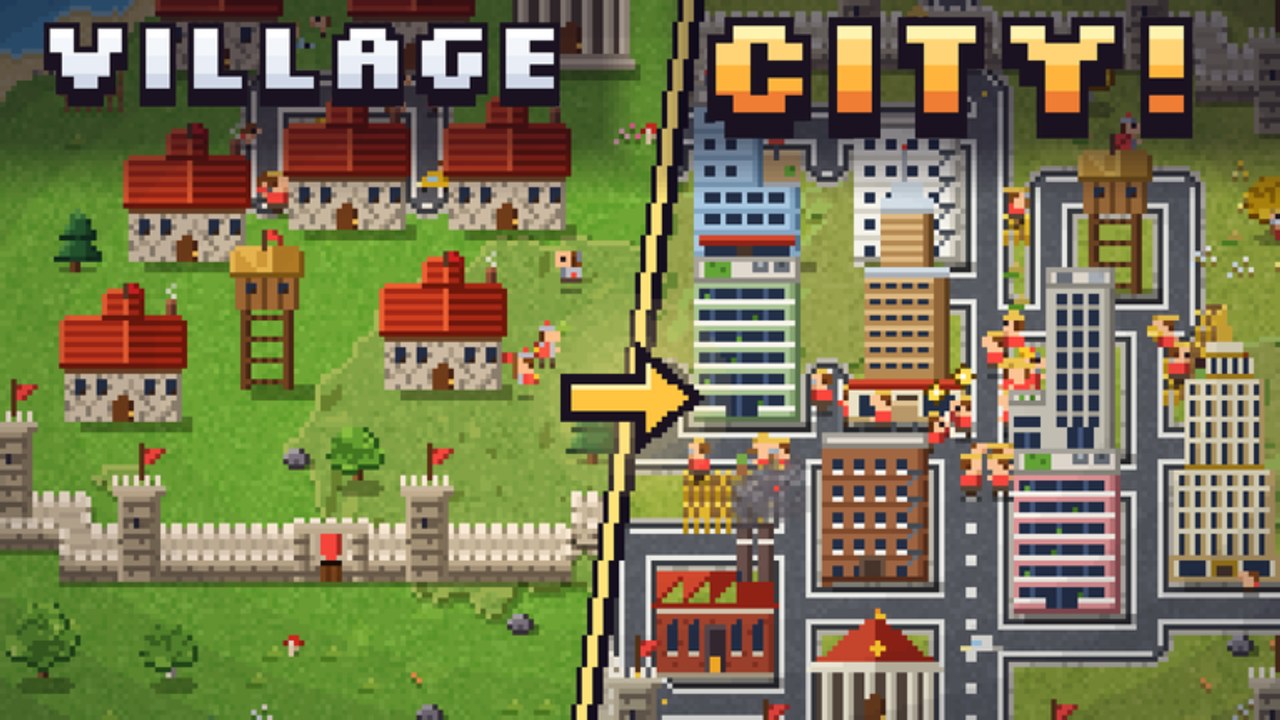
God Simulator puts you above a tiny world in a jar, but the fantasy only feels smooth when the controls and HUD stop fighting you. This guide maps the inputs and panels you will use every session: aiming powers, selling scrap, opening crates, checking playtime rewards, and finding Rebirth without hunting through menus mid-fight. Whether you play on keyboard, controller-adjacent layouts, or touch, the goal is the same — keep your eyes on the skyline while the UI stays muscle memory.
The experience is a Roblox Simulation/Sandbox title by God Simulator Official (thecrazyguygo) with up to six players. After the PVP Update, slow menu fumbling is how you lose boss buildings. Treat this page as the companion to Getting Started and revisit it whenever a patch rearranges icons.
Core camera and movement
- Orbit / look — Drag or right-stick style look to keep dense Downtown blocks and Mega City towers framed before you cast.
- Zoom — Pinch or scroll so Meteor Strike telegraphs and Black Hole radii stay readable.
- Reposition — Slide laterally above the jar when another god contests your lane; standing still is free damage after PVP.
- Reset view — If debris fills the screen after a nuke or carpet bomber, snap the camera back to the city center before casting again.
Practice framing one city block at a time. Wide cinematic zooms look cool in thumbnails and hide scrap piles you still need to collect.
Power casting rhythm
Powers are the heart of the HUD. Expect a hotbar or radial list for your equipped god abilities — Fireball, Black Hole, Meteor Strike, Zeus Thunder, and the rest of the roughly two-dozen kit covered in God Powers.
- Select the power you intend to main for the next clear.
- Aim at dense clusters or boss building weak points — not empty streets.
- Cast, then immediately queue scrap pickup / sale instead of spam-clicking into cooldown.
- Swap to a poke tool (Fireball) when a PVP rival peels you off an objective.
- Keep one control tool bound so Black Hole or similar fields can peel groups during contests.
Upgrade buttons usually sit near the powers panel. Buy upgrades the moment coins allow a meaningful breakpoint; do not alt-tab to a calculator while a rival farms your boss. Ranked shopping order lives on the Powers tier list.
Scrap, coins, and the sell loop
The economy HUD is simple and easy to ignore under fireworks:
- Scrap counter — Rises as buildings collapse. If it stalls, you are missing debris or casting into already-cleared rubble.
- Sell / convert — Turn scrap into coins. Sell often enough to fund the next power or crate, not so rarely that you die rich and underpowered.
- Coin total — Gate for upgrades, crates, and some Rebirth thresholds.
Beginner mistake: watching explosions without glancing at scrap. Set a personal rule — after every full block clear, check scrap and sell if you can afford the next planned buy from Getting Started.
Crates, wearables, and enchant panels
Crate UI usually lives in a shop or inventory tab. Open crates when you can afford them without delaying a critical power upgrade, then equip wearables that match the session goal (coin farm versus damage / PVP). Enchant screens add long-term multipliers; enchant a keeper piece, not a temporary cloak you will replace after one crate luck spike. Full routing advice sits in Crates & Enchanting and the Wearables tier list.
Playtime, potions, and Ideas
- Playtime rewards — Claim milestone gifts when the bar fills. Idle tabs sometimes pause timers; keep the experience focused.
- Potions — Activate before boss buildings or contested Mega City pushes, not during empty Downtown warmups. Details in Potions & Playtime.
- Ideas / feedback — Use the in-game Ideas button for bugs and feature requests. The game is built by one developer with AI assistance; that channel is intentional.
- Codes entry — When a Codes field appears, paste exact strings from the Codes Hub. Never enter passwords on third-party redeem sites.
Rebirth and airstrike menus
Rebirth is a prestige panel, not a panic button. Open it when you understand coin rates and airstrike milestones (missiles, carpet bombers, nukes). Confirm what resets versus what you keep before you click. After prestige, rebind or re-equip airstrike tools so the next cast is not buried three tabs deep. Timing strategy belongs in the Rebirth guide.
World travel and boss markers
World unlock UI tracks Downtown, Mega City, Golden Kingdom, Frozen Peaks, and Lava Fortress. Before you hop:
- Confirm your power and wearable set can handle the denser skyline — see Worlds.
- Note where the giant boss building sits so you do not burn potions on the wrong district — Boss Buildings.
- In PVP lobbies, scout escape routes before you commit a long cast near lava edges or open Golden Kingdom sightlines.
Mobile and touch tips
- Enlarge UI scale in Roblox settings if hotbar taps miss during Meteor windups.
- Use shorter cast chains; fat-finger cooldowns lose more scrap than a slightly slower keyboard player.
- Claim playtime and sell scrap with deliberate taps — accidental shop opens mid-duel are common on phones.
- Consider a cheap stand or grip so one thumb can orbit while the other casts.
PVP HUD habits
After the PVP Update, add these glances every thirty seconds:
- Rival god positions above contested boss buildings
- Your potion and airstrike readiness
- Coin buffer for an emergency wearable swap
- Escape camera angle toward a clear lane
Slow menus lose objectives. If the lobby is sweaty, pre-open the panels you need before you commit to a steal.
Troubleshooting unresponsive UI
- Rejoin if scrap refuses to sell or powers grey out after a patch.
- Confirm you are on place
127758046873351/ God Simulator Official — not an older similarly named experience. - Disable overlapping mobile overlays and browser extensions if you play via desktop browser.
- Avoid injected “UI fix” scripts; they are a ban vector covered on Scripts.
Quick reference checklist
- Camera framed on the next block before casting
- Primary and poke powers bound
- Scrap sold into the next upgrade or crate plan
- Playtime claimed; potion ready for the gate ahead
- Wearable set matches farm vs fight goal
- Rebirth panel understood before prestige
- Boss building marker known for the current world
- Ideas used for real bugs instead of rage quits
Master the HUD once and every later guide becomes faster. God Simulator rewards gods who smash cleanly — and gods who never lose five seconds hunting the sell button while a rival claims the rubble.
Frequently Asked Questions
Quick answers for God Simulator players.
Where do I sell scrap in God Simulator?
Use the sell or convert control on the economy HUD after buildings collapse. Sell often enough to fund the next power or crate upgrade.
How do I switch god powers quickly?
Keep your primary clear tool and a poke or control tool on the hotbar, then swap between casts instead of opening deep menus mid-fight.
Does the HUD change after the PVP Update?
Core sell and power panels stay familiar, but you should glance more often at rivals, potions, and airstrike readiness during contests.
Any mobile-specific advice?
Increase UI scale, use shorter cast chains, and claim playtime or sell scrap with deliberate taps so shop panels do not open mid-duel.
What should I do if menus freeze?
Rejoin a fresh server, confirm you are on the official God Simulator place, and avoid third-party UI scripts that risk bans.